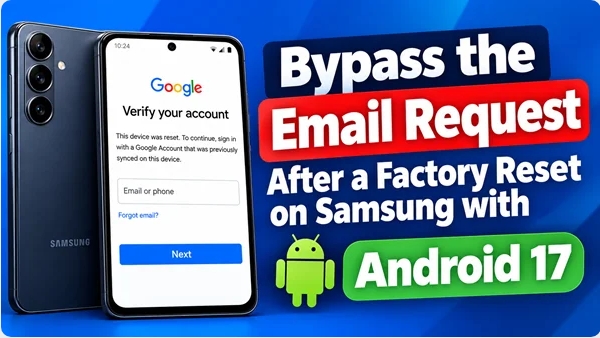
Hello everyone, dear visitors! Unlike many YouTube channels that are full of misleading information about bypassing the email request after a factory reset on Samsung phones with Android 17, I genuinely want to help you. So let me say this right away: there is no magic button.
To make things clearer and prevent you from wasting your time, I’ll briefly explain the problem of bypassing the email request after a factory reset on Samsung with Android 17, and you can draw your own conclusions.
A factory reset on a Samsung phone running Android 17 activates FRP (Factory Reset Protection). This is not a bug. It is a Google security feature that requires you to enter the Google account that was synchronized with the phone before the reset.
Let me say this immediately: on Android 17, the “free” tricks involving TalkBack, emergency calls, and APK files that you see on YouTube do not work. Samsung and Google have closed these loopholes in One UI 9 with Android 17. So, what can actually work, from the safest option to the riskiest?
🥇 Official Method: Recover Your Google Account
This is the most reliable method if the phone belongs to you and you remember at least the email address. It solves the problem in approximately 80% of cases.
- Using another device, such as a computer or another phone, go to the Google Account recovery page: accounts.google.com/signin/recovery.
- Enter the email address that was linked to the Samsung phone.
- Tap “Forgot password?” and follow the instructions. Google may offer account recovery through a backup email address, phone number, or other verification methods.
- Important: after changing your password, you may need to wait 24 to 72 hours before trying to sign in with the new password on the locked phone. Google may apply a security delay, so immediately using the new password may not work.
- After the waiting period, connect the phone to Wi-Fi and enter your recovered account information.
🥈 If You Bought the Phone Used
If you bought the device and the seller did not remove their account before selling it, contact the seller.
This is the only free and risk-free way to resolve the problem if the previous owner’s account is still linked to the device. Ask the seller to remove the Google account from the device properly before you continue with the setup.
🥉 Contact a Samsung Service Center
If you are the legal owner but cannot recover the Google account, contact an authorized Samsung service center.
- What to bring: the phone, proof of purchase or receipt, and identification.
- Processing time: usually 1–3 business days.
- Cost: if you can prove ownership, Samsung may provide assistance without charge. Third-party repair shops may charge around $20–50.
⚠️ Risky Methods — For Experienced Users Only
If the official options are unavailable, there are tools that attempt to use vulnerabilities in Samsung’s security protocols.
Using these methods on someone else’s phone may be illegal, and using them incorrectly can potentially turn the device into a brick.
Not long ago, on Samsung phones running Android 16, paid programs such as Dr.Fone and EaseUS MobiUnlock were promoted for bypassing the FRP lock.
These programs work through cloud services or by automatically interacting with the phone in special modes. There were also cases where the problem could be addressed by flashing a special file using Odin.
Now, on Samsung devices running Android 17, the FRP situation has become considerably more complicated, and flashing through Odin does not help, or only helps partially. Here is why this happens and what is actually behind these messages.
🛑 Why Flashing with Odin Does Not Remove FRP on Samsung Android 17
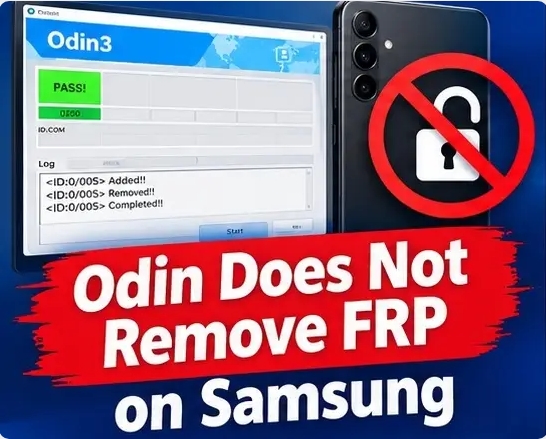
Previously, some FRP-related issues could be addressed by flashing a clean firmware. On Android 17, this approach no longer works because of multiple layers of protection.
FRP Is Tied to Protected Device State
The lock is not simply stored in the user data. Device security state is also protected by the boot and security architecture.
Flashing AP or CSC files with Odin does not simply erase this state.
The Setup Wizard Is More Restricted
Samsung has further isolated the initial setup process.
Older methods involving TalkBack, emergency calls, or APK installation were patched over previous Android versions, and on Android 17 these methods generally no longer work.
Security Patch Level Matters
This is an important point. Some professional tools, such as ChimeraTool, have reported FRP support only for certain Samsung firmware versions and security patch levels.
Once a vulnerability is patched in a newer security update, older methods may stop working, even when the same tool previously supported the device.
⚠️ An Important Clarification About “FRP Removal”
Even if a tool reports “Success,” that does not necessarily mean that the phone is completely unlocked.
For example, after an FRP operation through a third-party tool, the phone may boot into the system but still have restrictions related to Google account access, security settings, or device protection.
In other words, “FRP removed” does not always mean full device functionality has been restored.
✅ What Actually Works Right Now
If the phone belongs to you and you simply forgot your password, the safest option is Google Account recovery.
If you cannot recover the account, the next option is a Samsung service center with proof of purchase. For professional repair technicians, the situation is more complicated:
- May work: certain older firmware versions and supported models using professional service tools.
- May not work: newer security patches where the relevant vulnerabilities have been closed.
- Downgrading: may be impossible when the device’s binary version prevents flashing older firmware.
🛠️ ChimeraTool — Modem Mode
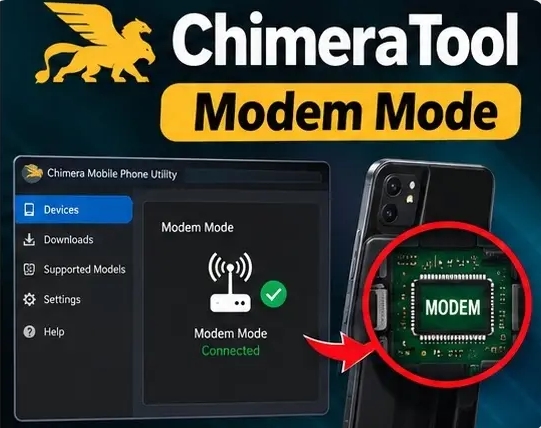
ChimeraTool has announced support for FRP-related operations on certain Samsung devices and firmware versions.
However, this should not be interpreted as meaning that it works on every Samsung phone running Android 17.
In practice, everything depends on the exact model, chipset, firmware version, binary revision, and security patch level.
If Samsung has closed the relevant vulnerability in a newer security patch, the method may stop working even if the software itself still lists the model as supported.
🛠️ SigmaKey — EUB / Test Point
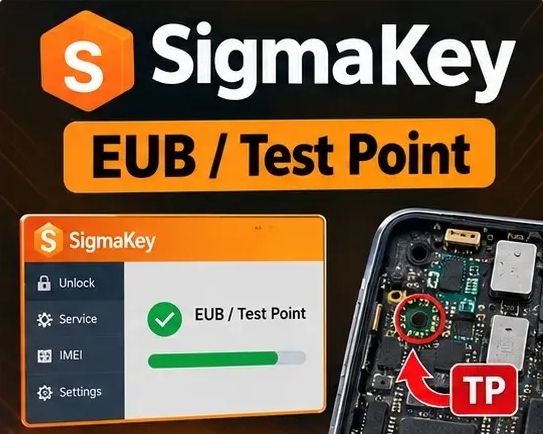
SigmaKey has historically supported deeper service operations through methods such as EUB (Exynos USB Booting) or Test Point.
Depending on the device, this can require opening the phone and accessing specific hardware contacts. This is a much deeper level of access than normal USB or Download Mode operations.
However, security updates can also close vulnerabilities used by these methods. When that happens, older exploits cannot simply be restored by flashing an older firmware version.
💡 How to Avoid Wasting Money
Before purchasing a subscription or professional tool, do one simple thing:
Check the security patch level and exact firmware version of your phone.
- If the phone does not boot and you cannot check the security patch level, look at the label or receipt, identify the exact model, and research which firmware versions are available for it.
- If the phone boots but is locked by FRP, do not assume that a particular tool will work simply because it advertises Android 17 support. Check the exact model, chipset, binary version, and security patch level.
Practical Conclusion
On Samsung phones running Android 17, the old free methods shown on YouTube generally no longer work. Flashing firmware with Odin does not simply erase FRP, and buying a professional tool does not guarantee success either.
The safest approach is to recover the original Google account or contact Samsung with proof of ownership. So, does that mean there are absolutely no solutions for Samsung phones running Android 17?
Not necessarily. It would be incorrect to say that all solutions have completely disappeared. The more accurate statement is that many older exploits have been patched, while professional tools continue to develop new methods for specific devices and firmware versions.
Possible Professional Solutions
Some professional tools, including SigmaKey and ChimeraTool, advertise FRP-related support for certain newer Samsung devices.
But you should not assume that they can unlock every Samsung phone. Success depends on several factors:
- Chipset: some newer solutions are primarily aimed at specific Exynos devices, while Snapdragon models may have different limitations.
- Exact model and binary version: professional tools normally support specific models and firmware versions.
- Security patch level: newer patches can close vulnerabilities used by older methods.
- Paid software: SigmaKey and ChimeraTool are professional paid tools and are not universal free solutions.
Conclusion
The statement that “there are no solutions at all after the latest update” is too broad. A more accurate description is:
Older free methods have been blocked, but professional tools may still have solutions for certain Samsung models, chipsets, and firmware versions.
If you are considering paying for a professional tool, I strongly recommend checking the exact model, chipset, binary version, and security patch level first.
And if you want, leave the exact model of your Samsung phone in the comments before purchasing a subscription.
I can tell you whether a particular program is actually advertised as supporting that specific device and firmware version.
I have access to paid tools and different Samsung devices for testing, so I can verify these claims rather than simply relying on what software developers advertise. Thanks for watching, and take care!
