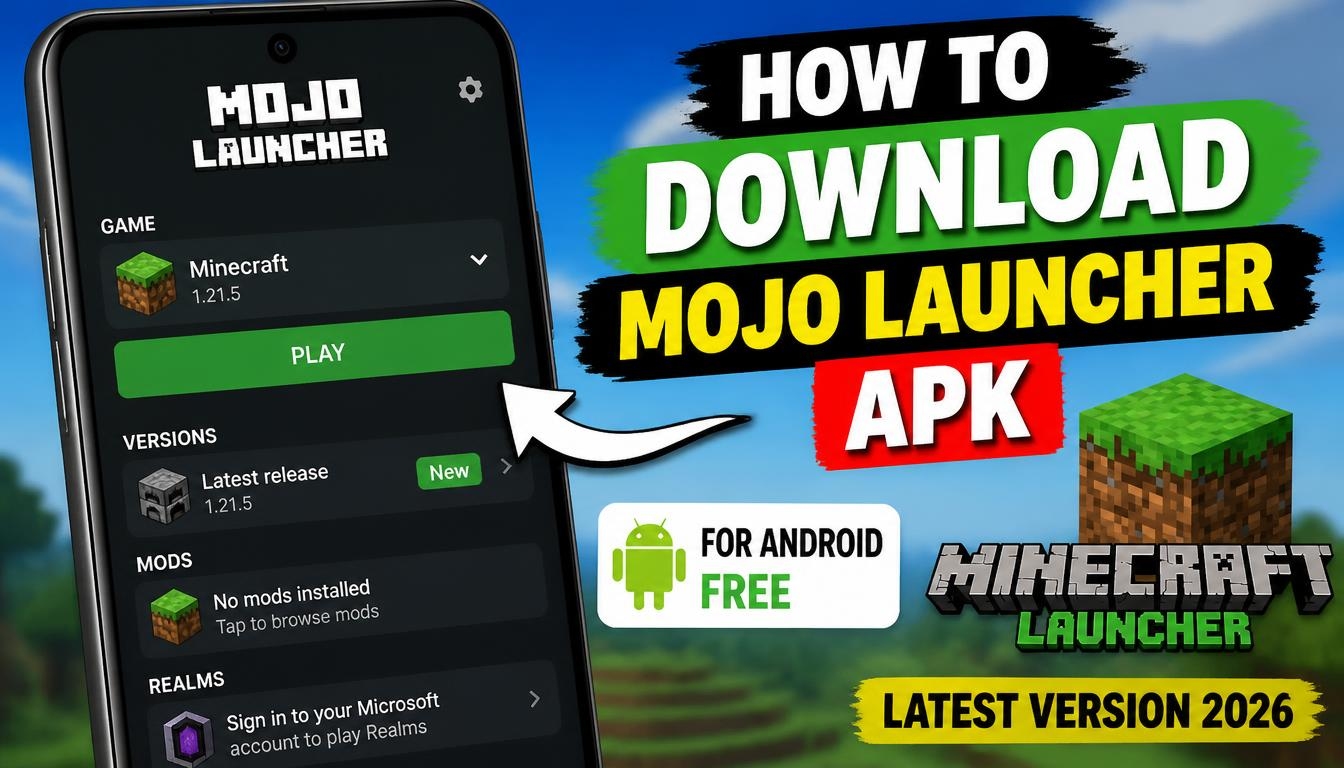
If you enjoy Minecraft and would like to experience the Java Edition directly on your Android smartphone or tablet, Mojo Launcher is an application worth exploring.
It allows you to run the original Minecraft: Java Edition on mobile devices, bringing many of the features traditionally associated with the PC version to your phone.
Mojo Launcher is free to download and open-source software based on the PojavLauncher project. With this launcher, you can explore different Minecraft versions, customize your gaming experience, install modifications and use additional tools to make gameplay more interesting.
What Is Mojo Launcher APK?
Mojo Launcher is an Android launcher designed specifically for running Minecraft: Java Edition on mobile devices. Unlike ordinary Minecraft launchers that simply open a particular game version, this application provides additional configuration options for Java environments, graphics rendering and game controls.
The project is also known as MJLauncher. Following recent updates, this is the name that may appear on your Android device.
One of its main advantages is compatibility with a wide range of Minecraft versions. This makes it possible to revisit older releases, experiment with newer versions and explore different gameplay experiences without needing a traditional desktop computer.
How to Download Mojo Launcher APK Latest Version 2026
If you want to try Mojo Launcher on your Android device, you can download the APK using the link provided on our website.
Visit the download section, save the installation file to your smartphone and open it when the download is complete. If Android requests permission to install applications from your browser or file manager, allow installation for that source.
After installation, open Mojo Launcher and follow the initial setup instructions. You may need an internet connection to download the necessary Minecraft files and Java components.
For the authentic project and its latest releases, you can also visit the official MojoLauncher website.
How to Use Mojo Launcher on Android
Once the application is installed, launch it and complete the initial configuration.
Sign in using the Microsoft account associated with your legitimate Minecraft: Java Edition purchase. The launcher does not include the paid Minecraft game itself.
After signing in, select the Minecraft version you want to play. The application will download the required game files and prepare the environment.
You can then configure the graphics renderer, adjust the available controls and select additional settings according to your device.
If you want to use modifications, you can install compatible mod loaders such as Forge or Fabric and add supported mods to your Minecraft installation.
When everything is ready, start the game and enjoy Minecraft: Java Edition on your Android device.
System Requirements and Compatibility
Mojo Launcher supports Android 5.0 and newer. However, being able to install the application does not necessarily mean that every Minecraft version will run smoothly.
Performance depends on several factors, including your smartphone’s processor, GPU, available RAM and Android version.
Newer Minecraft releases and modpacks can be particularly demanding, so a modern smartphone with sufficient memory and a capable graphics processor is recommended.
A stable internet connection is also useful during the initial setup and when downloading game versions or additional components.
Is Mojo Launcher Free?
Yes. Mojo Launcher is free and open-source software released under the LGPL-3.0 license. You can download and use the launcher without purchasing the application itself.
However, remember that Mojo Launcher is not a free copy of Minecraft. To access Minecraft: Java Edition through the official authentication system, you need your own legitimate game license.
Final Words
Mojo Launcher is an interesting option for Android users who want to experience Minecraft: Java Edition on a smartphone or tablet.
Support for multiple game versions, Forge, Fabric, modifications and customizable controls makes it a flexible launcher for players who enjoy experimenting with Minecraft.
If you want to explore more possibilities and bring the Java Edition experience to your mobile device, download Mojo Launcher APK and try its features.
