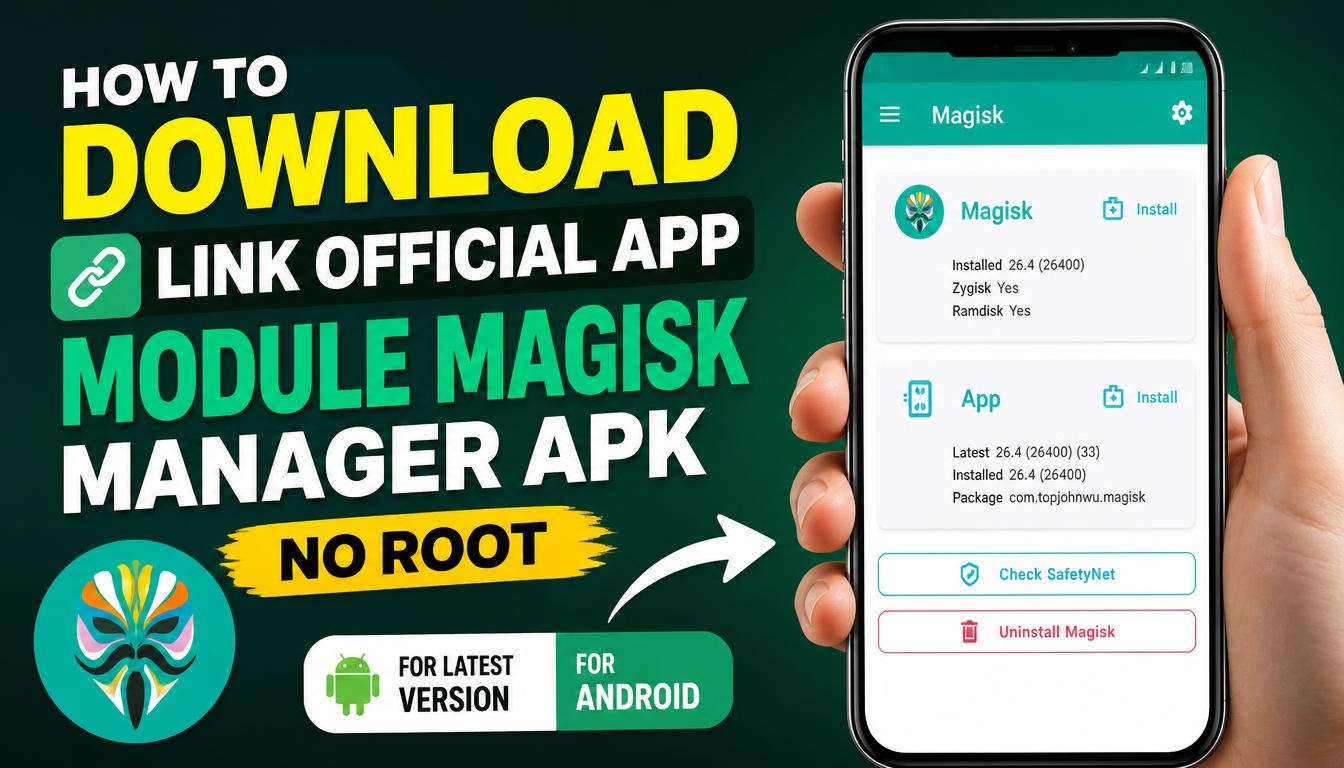
If you enjoy customizing Android and want more control over your smartphone, Module Magisk Manager is an application worth exploring.
It provides access to tools for managing Magisk modules, allowing users to extend Android functionality and customize different aspects of their devices.
With Magisk modules, you can add extra features, modify system behavior, and personalize your Android experience without manually changing every system file.
The manager provides an interface for handling installed modules and managing available customization options.
What Is Module Magisk Manager?
Module Magisk Manager is associated with the Magisk ecosystem, which is widely used by Android enthusiasts who want additional control over their devices.
Magisk itself provides a systemless modification approach. Instead of directly modifying the original system partition, it uses a different method to apply modifications while keeping the original system files intact.
The manager helps users interact with Magisk and manage modules. These modules can provide additional functionality, system tweaks, and customization options that are not normally available in standard Android settings.
Important: Magisk Manager is not a root solution that works without root access. Managing and installing Magisk modules generally requires a compatible Magisk installation and an appropriately configured device.
How to Download Module Magisk Manager APK for Android
You can download the latest Magisk APK using the download link provided on this page. The application is free and open-source software.
For the official project and the latest release information, visit the developer’s GitHub repository: Official Magisk Website – GitHub
The latest release available as of November 2026 is Magisk 31.1. It supports Android 7.0 and newer versions.
Is Magisk Manager Available Without Root?
This is an important question for Android users. You can download and install the Magisk APK without having root access. However, installing and using Magisk modules requires Magisk to be properly installed on your device.
If your smartphone does not have Magisk installed, simply downloading the manager will not provide root permissions or enable advanced system modifications automatically.
The initial Magisk installation generally requires an unlocked bootloader and patching the appropriate firmware image. The exact procedure depends on your smartphone model and Android configuration.
Is Module Magisk Manager Safe?
Magisk is an open-source project, and its source code is publicly available. Nevertheless, you should be careful when installing third-party modules because they can modify important parts of the Android environment.
Always check module compatibility, read installation instructions, and create a backup before applying system modifications. Incorrect modifications can cause boot problems or make your smartphone unstable.
You should also download Magisk from the official developer’s repository to avoid unofficial or modified APK files.
Final Words
Module Magisk Manager is a useful tool for Android enthusiasts who want to explore additional customization possibilities and manage
Magisk modules. Its features provide greater control over system modifications, root permissions, and compatible extensions.
If you want to discover more Android customization options, download the latest Module Magisk Manager APK using the link provided on this page and explore its capabilities.
