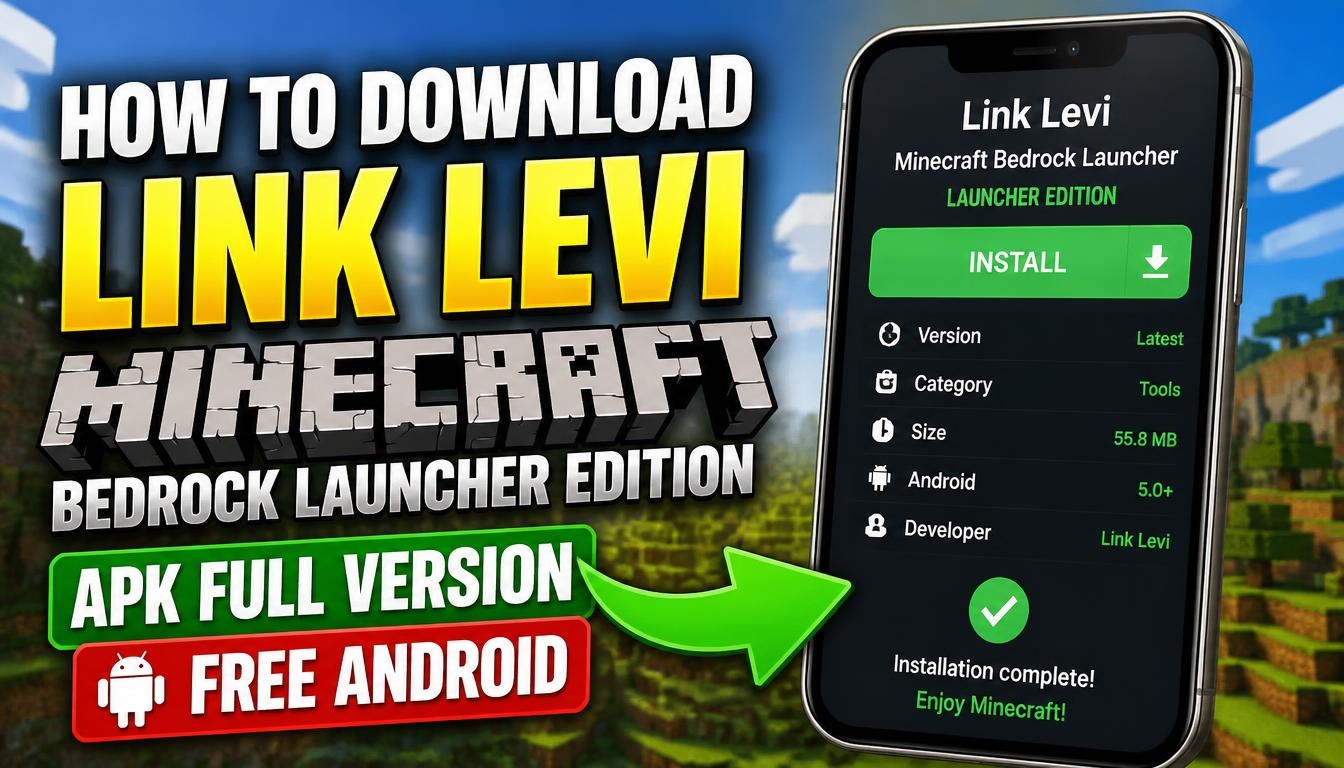
If you enjoy playing Minecraft Bedrock Edition on your Android device and want more control over game versions, worlds, and modifications, LeviLauncher is an interesting tool worth exploring.
This launcher is designed to make managing Minecraft easier while providing additional options for players who want to customize their gaming experience.
Levi Minecraft Bedrock Launcher is available as a free APK for Android. It allows users to manage different Minecraft versions, import game packages, organize their content, and work with compatible modifications.
In this guide, you will learn about its main features, Android requirements, and how to download and install the latest version.
What Is Levi Minecraft Bedrock Launcher?
LeviLauncher is an open-source launcher developed specifically for Minecraft Bedrock Edition. Unlike a traditional game launcher, it provides additional tools for organizing Minecraft installations and managing different versions of the game.
One of its most useful features is version management. Players can select different Minecraft versions and keep their game configurations separate. This is particularly helpful when testing new updates, exploring older releases, or experimenting with modifications.
The Android edition works alongside the official Minecraft installation and requires a legitimate copy of the game. The launcher itself is free, but it does not provide a free Minecraft license.
How to Download Levi Minecraft Bedrock Launcher APK on Android
Getting started with LeviLauncher is relatively straightforward. Before downloading the application, make sure your Android device meets the minimum requirements and that you have the official Minecraft Bedrock Edition installed.
Visit the official LeviLauncher Android releases page using the link below. Find the latest available release and download its APK file.
After the download is complete, open the APK using your browser’s download manager or file manager. If Android displays a security message, allow installation from the application you used to download the file.
Continue with the installation and wait until Android finishes setting up LeviLauncher. Once installed, open the application and follow the initial instructions. Official LeviLauncher Website
How to Set Up LeviLauncher and Play Minecraft
Before launching a game, install the official Minecraft Bedrock Edition from Google Play. The Android version of LeviLauncher requires Minecraft Bedrock Edition 1.21.80 or later as its trusted game source.
Open LeviLauncher and accept the application agreement. Grant the permissions requested by the launcher when necessary.
Next, navigate to the version or instance screen. Select the Minecraft installation you want to use. If you have another compatible official Minecraft APK, you can import it and manage it through the launcher.
You can also enable version isolation when you want to keep the data of an imported version separate from your other installations.
After selecting your preferred version, return to the main screen and press the Launch button. Wait for Minecraft to start and enjoy your game.
Android Requirements
LeviLauncher is designed for compatible Android devices with ARM64 architecture.
The minimum requirements include Android 9.0 or later, an ARM64 processor, and at least 1 GB of available RAM. However, 3 GB or more of available RAM is recommended for a smoother experience.
You should also have at least 2 GB of free storage space, although 5 GB or more is recommended for Minecraft, additional versions, worlds, and game data.
Remember that the official Minecraft Bedrock Edition 1.21.80 or later must already be installed on your device.
Is Levi Minecraft Bedrock Launcher Free?
Yes. LeviLauncher is an open-source application that can be downloaded for free. You can use its launcher features without purchasing the launcher itself.
However, there is an important distinction: LeviLauncher does not unlock the full paid version of Minecraft or replace the official game license. You must own Minecraft Bedrock Edition to use the Android launcher as intended.
Final Words
Levi Minecraft Bedrock Launcher is a useful option for Android players who want more flexibility when managing Minecraft Bedrock Edition.
Its version management, isolation options, content organization, and additional tools make it worth considering, especially for players who enjoy experimenting with different game configurations.
If you want to try it, download the latest LeviLauncher APK from the official developer release page and follow the installation instructions above.
