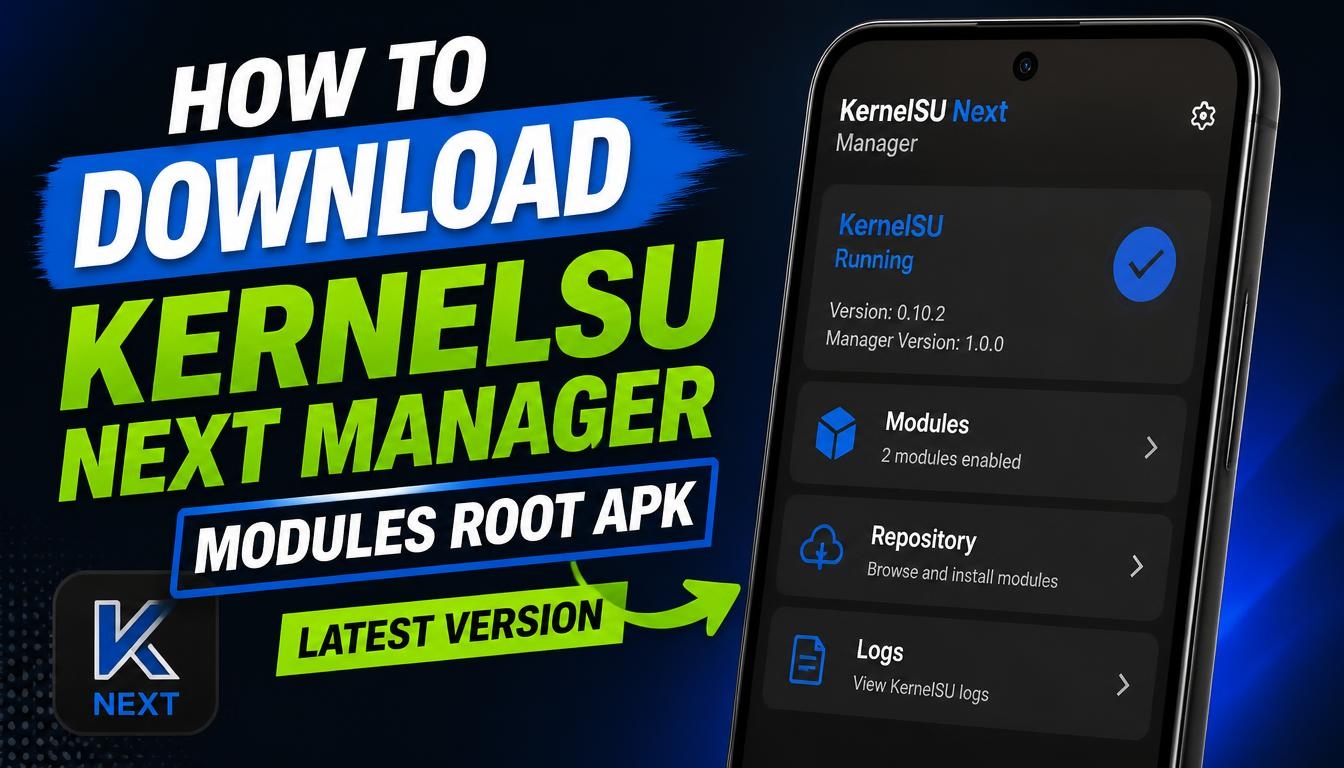
KernelSU Next Manager is an Android application designed to manage root access and modules on supported Android devices.
It provides a convenient interface for users who want greater control over their smartphones, manage root permissions, and customize the Android operating system.
Unlike traditional root management applications, KernelSU Next is built around a kernel-based root solution.
It is intended for users who want advanced Android customization, additional system-level control, and the ability to manage compatible modules.
What Is KernelSU Next Manager?
KernelSU Next is a community-developed continuation of the KernelSU project. It allows users to manage root permissions directly through a dedicated manager application.
The Manager provides access to important functions, including root authorization, module management, and information about the installed KernelSU environment.
It is primarily intended for experienced Android users who understand the risks and technical requirements associated with modifying the operating system.
KernelSU Next Modules
One of the useful features of KernelSU Next is support for compatible modules. These extensions can add functionality or modify certain aspects of the Android system.
Depending on the module, users may be able to customize system behavior, improve compatibility, or enable additional features.
Always check module compatibility with your Android version, device, kernel, and KernelSU Next release before installing anything.
How to Download and Install KernelSU Next Manager APK
To download the latest available KernelSU Next Manager APK, use the download link provided on this website.
After downloading the installation file, open it on your Android device and follow the installation instructions. If Android displays a warning about installing applications from this source, review the permission settings before proceeding.
Keep in mind that installing the Manager application alone does not automatically root your smartphone. KernelSU Next requires a compatible kernel and an appropriately configured installation. KernelSU Next – Official website of the developer.
Important Requirements and Safety Information
KernelSU Next is not a universal one-click rooting application. Your device must meet the project’s technical requirements, and the correct installation method depends on the device and its kernel.
Root modifications can cause boot problems, data loss, security vulnerabilities, or loss of access to certain applications. Make a complete backup before making system changes.
Only install modules from sources you trust. Incorrect or incompatible modifications can make Android unstable or prevent the device from starting.
Final Words
KernelSU Next Manager is a useful tool for Android enthusiasts who want to manage kernel-based root access and compatible modules. Its permission management and module support provide additional possibilities for customizing supported smartphones.
If you are interested in advanced Android customization, you can download the latest KernelSU Next Manager APK using the link on this website. Make sure you select a version compatible with your device and KernelSU Next installation.
