
Getting root access on the Honor X7C is currently not a straightforward task due to Honor’s security policy.
Short answer: At the moment, there is no simple, reliable method to root the Honor X7C.
The Main Obstacle: Locked Bootloader Honor X7C
Research on this topic shows that the biggest issue is the locked bootloader on the Honor X7C. To gain root access, you must first unlock the bootloader so you can install a custom recovery (such as TWRP) or flash a modified firmware.
Currently, there is no official, free, publicly available method to unlock the bootloader on this model.
What You Should Know
While searching for a solution, you may come across the following information. Knowing this can help you avoid unnecessary risks.
Questionable firmware websites: There are websites offering firmware downloads for the Honor X7C. Some even mention installing TWRP, but installing TWRP itself already requires an unlocked bootloader or root-related procedures. Downloading files from such sites carries the risk of malware or unusable software.
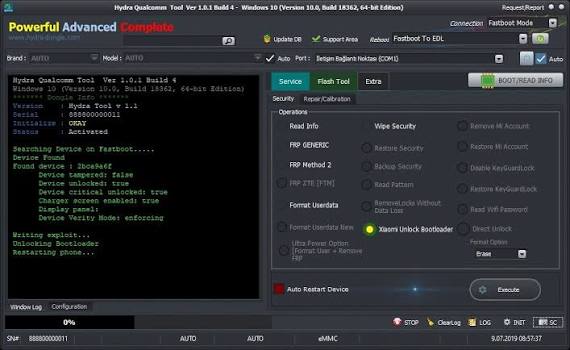
If you decide to take the risk anyway, one of the best options is «Hydra Tool», as it can perform certain operations at the hardware level.
Engineering mode, Developer Options, and USB debugging: These are standard Android features, but they do not provide root access and cannot unlock the bootloader.
Current Rooting Methods
Due to Honor’s strict security policy, all existing methods of obtaining root access are complicated and involve significant risk.
1. Unlock the Bootloader
This is the most critical and difficult step. Without an unlocked bootloader, rooting is impossible.
Tools such as PotatoNV only work on older devices with Kirin processors, while the Honor X7C is powered by the Snapdragon 685, so they are not compatible.
2. Install Magisk
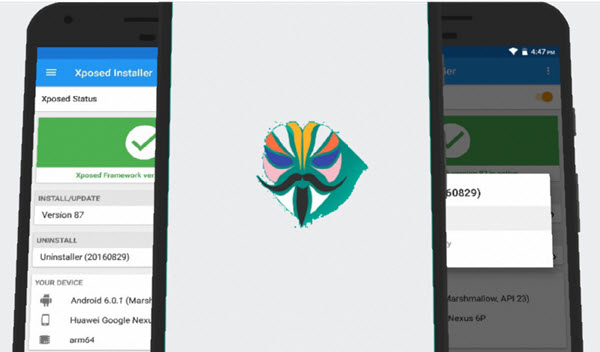
After unlocking the bootloader, you need to install Magisk. There are two common methods:
Using TWRP
- Download the TWRP recovery image for your Honor X7C.
Flash it via Fastboot:
fastboot flash recovery ...- Boot into TWRP and install the Magisk ZIP package.
By patching boot.img
- Extract the boot.img file from the official firmware.
- Copy it to your phone.
- Open the Magisk app and select the boot.img file to create a patched image.
Flash the patched file using Fastboot:
fastboot flash boot magisk_patched.img
⚠️ Important Warning
Search engines may show articles with titles such as «Root Honor X7C in 5 Minutes.» Be extremely cautious.
In the vast majority of cases, these are either advertisements for outdated, non-working software or links to third-party websites that could damage your device or compromise your security.
