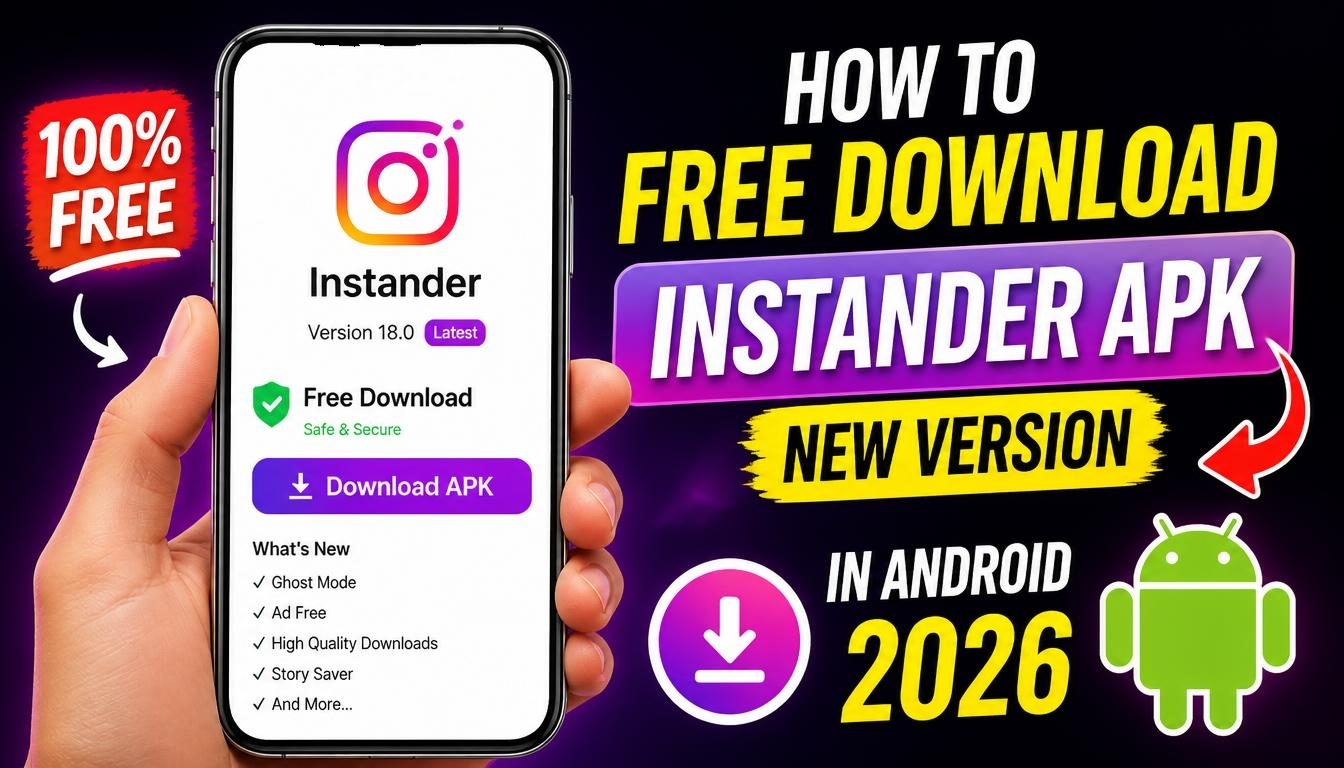
If you enjoy using Instagram but want more customization options and additional features, Instander APK is an interesting application to explore.
It is a modified version of Instagram designed to provide extra functionality and give Android users more control over their social media experience.
In this guide, you will learn how to free download Instander APK, install it on your Android smartphone, and discover some of the features that make this application popular.
What Is Instander APK?
Instander is a modified Instagram client that adds features and customization options beyond those available in the standard Instagram application.
It is designed for users who want additional flexibility when browsing photos, watching videos, and interacting with social media content.
One of its most popular features is the ability to download photos, videos, and Reels directly to your smartphone. This can be convenient when you want to save interesting content for offline viewing.
Depending on the version, Instander may also offer additional privacy settings, interface customization, options for copying profile information and comments, and features designed to reduce advertisements.
How to Free Download Instander APK Latest Version in 2026
If you want to try Instander on your Android smartphone, you should first check the available release and its compatibility with your device.
Visit the official Instander website to find information about available versions and updates:
You can also check the developer’s changelog to see the latest release information, newly added features, and known fixes:
Download the available APK file and wait until the download is complete.
Before installation, open your Android settings and allow your browser or file manager to install applications from this source. The exact setting name may vary depending on your Android version and smartphone manufacturer.
Locate the downloaded APK file and open it to start the installation. Follow the instructions displayed on the screen. Once installation is complete, you can open Instander and explore its available settings.
For security, only use APK files from sources you can verify. Remember that Instander is a modified third-party application, not an official Instagram release, so installing it involves additional security and account risks.
Avoid providing your password if you cannot establish that the application and its source are trustworthy.
Is Instander Compatible with Android 32-bit and 64-bit?
Compatibility depends on the particular release. Recent Instander 17.x releases specify Android 9 or newer and an ARM64-v8a processor architecture.
This means older 32-bit-only smartphones may not be supported. Check the technical requirements of the APK before downloading it to avoid installation errors.
Final Words
Instander APK is an alternative Instagram experience for Android users interested in additional downloading, privacy, and customization features.
If you decide to try it, check the official release information first and make sure that the version is compatible with your smartphone.
