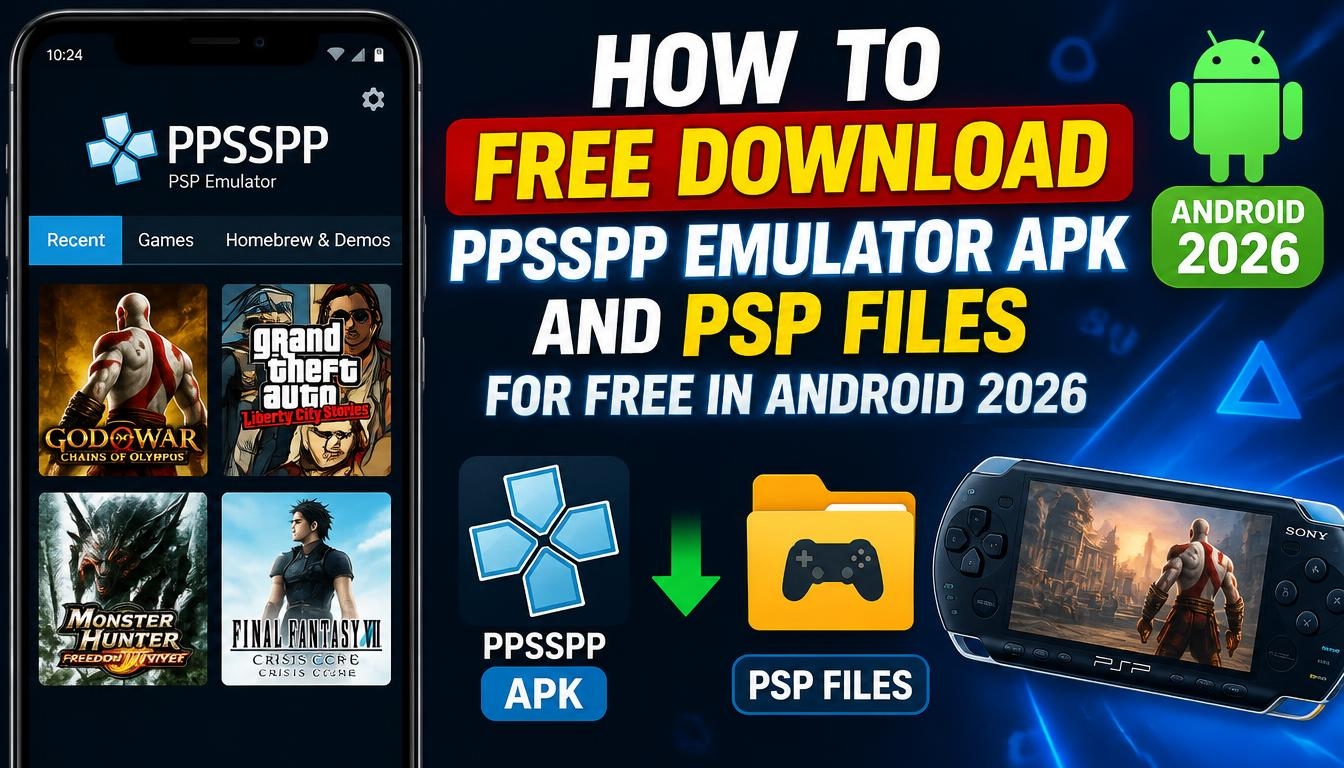
PPSSPP is a popular PSP emulator that allows you to play PlayStation Portable games on your Android smartphone or tablet.
With this application, you can enjoy many classic PSP games directly on your mobile device without needing the original PlayStation Portable console.
If you want to download the PPSSPP emulator APK and play PSP games for free on Android, this guide will help you understand how the application works, where to get it, and what you need to start playing.
What Is PPSSPP Emulator?
PPSSPP is an emulator designed to run PlayStation Portable games on different platforms, including Android, Windows, Linux, and other supported devices.
The Android version provides various features that make playing PSP games on a smartphone convenient. You can customize the graphics settings, adjust the screen controls, configure audio options, and save your game progress.
One of the biggest advantages of PPSSPP is that it supports different graphics resolutions. Depending on your smartphone’s performance, you can increase the rendering resolution to make older PSP games look sharper on modern displays.
How to Download PPSSPP Emulator APK on Android
To get started, you need to download the PPSSPP application for your Android device. The official version is available directly from the developer’s website. Visit the official PPSSPP website: https://www.ppsspp.org/
Find the Android download section and choose the available APK version. After downloading the installation file, open it on your smartphone and follow the Android installation instructions.
If Android displays a security warning, check that the APK comes from the official website before allowing installation from that source.
Once the installation is complete, open PPSSPP. You can now configure the emulator and prepare your PSP game files.
How to Download PSP Games for PPSSPP
PPSSPP does not include PSP games by default. You need to provide your own compatible game files.
The emulator supports PSP game images in formats such as ISO and CSO. These files can be stored in your smartphone’s internal memory or on a supported external storage device.
You can create digital backups from PSP games that you own, where permitted by applicable copyright laws. Make sure you only use game files that you have the legal right to use.
After obtaining compatible files, create a folder on your Android device and place your PSP games inside it. Remember where you saved the files because you will need to locate this folder when opening games in PPSSPP.
How to Install and Play PSP Games on Android
After installing PPSSPP and preparing your game files, open the emulator on your smartphone.
Allow the application to access the folder containing your PSP game files when prompted. Navigate to the location where you saved your ISO or CSO files.
Select a compatible game to launch it. PPSSPP will load the game, and you can start playing using the touchscreen controls.
You can also connect a compatible Bluetooth controller if you prefer a more traditional console gaming experience.
Best PPSSPP Settings for Android
PPSSPP offers several settings that can improve the gaming experience. However, the best configuration depends on your smartphone’s processor, graphics hardware, and the individual game.
For devices with lower performance, using the original rendering resolution can help improve speed. More powerful smartphones can often handle higher resolutions and additional graphical enhancements.
You can also customize the virtual buttons, change their size and position, adjust the audio settings, and configure controller support.
If a particular game runs slowly, try lowering the rendering resolution and disabling some additional graphics effects.
Is PPSSPP Free to Download?
Yes. PPSSPP is an open-source PSP emulator that is available for free. You can download the standard Android APK from the official developer website without purchasing the emulator.
The application itself does not provide copyrighted PSP games. Game files must be obtained separately and used in accordance with applicable copyright laws.
Conclusion
PPSSPP is a convenient way to enjoy classic PlayStation Portable games on an Android smartphone. It offers customizable graphics, touchscreen controls, controller support, and compatibility with many PSP titles.
If you want to turn your Android phone into a portable PSP gaming device, download the PPSSPP APK from the official website, prepare your legally obtained PSP game files, and configure the emulator according to your smartphone’s capabilities.
