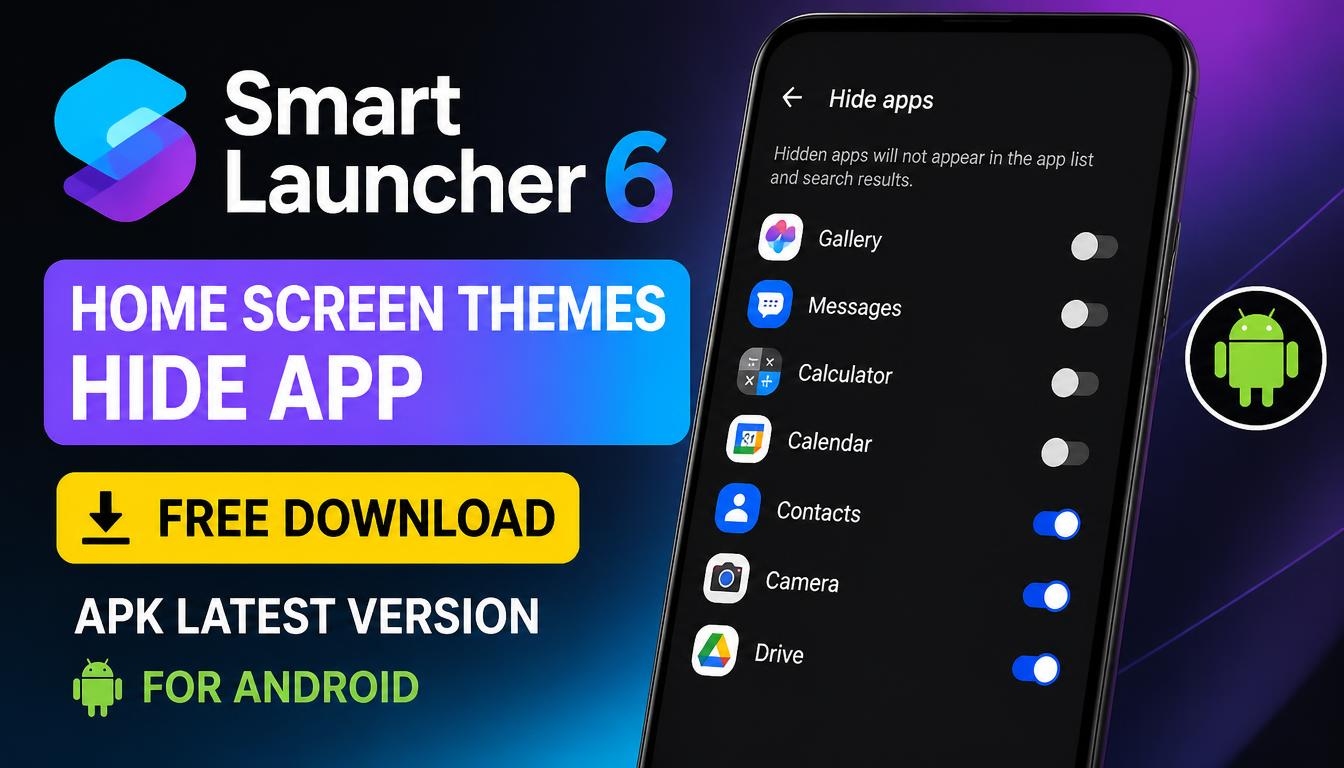
If you want to give your Android smartphone a completely new look, Smart Launcher 6 is an interesting application to try.
It offers a flexible home screen, customizable themes, modern icons, useful widgets, and tools for organizing your installed applications.
With its help, you can transform the standard Android interface into something more personal and convenient without making complicated changes to your phone’s operating system.
What Is Smart Launcher 6?
Smart Launcher 6 is an Android launcher developed by Smart Launcher Team. It replaces your standard home screen with a customizable interface designed to make everyday smartphone use more comfortable. You can change the appearance of your home screen, organize applications, select different icon styles, and adjust various interface elements.
One of its useful features is automatic application organization. Instead of searching through a long list of installed apps, you can find them grouped into categories. This makes navigation easier, especially if you have many applications installed on your device.
Home Screen Themes and Customization
Smart Launcher 6 provides various ways to personalize your smartphone. You can customize the home screen layout, change wallpapers, use different icon packs, and adjust the overall appearance of the interface.
The launcher can automatically adapt its colors to your wallpaper, helping create a more consistent design. You can also customize fonts, arrange widgets, and experiment with different layouts until you find an appearance that suits your preferences.
Whether you prefer a minimalist home screen or a more colorful interface, Smart Launcher offers plenty of customization possibilities.
Hide Apps and Protect Your Privacy
Another useful feature is the ability to hide applications from the app drawer. This can help keep your home screen and application list more organized while making certain apps less visible to other people who use your smartphone.
Smart Launcher 6 also supports PIN protection for hidden applications, providing an additional privacy option. Keep in mind that hiding an application does not necessarily disable it or remove its data from your device.
Widgets, Gestures and Smart Search
The launcher includes built-in widgets for information such as weather, calendar events, battery status, photos, and other useful details. Widget stacks allow you to use multiple widgets in the same screen area, helping save space.
Smart Search makes it easier to find applications and contacts, search the web, perform calculations, and access common actions. You can also configure gestures and shortcuts to perform certain tasks more quickly.
These features make Smart Launcher 6 more than just a visual replacement for your default Android home screen.
Is Smart Launcher 6 Free?
Smart Launcher 6 can be downloaded and used for free, but some advanced customization options and additional features require a Premium upgrade. The availability of particular themes, settings, and customization tools may depend on your version.
You can explore the free features first and decide whether the additional Premium options are worth using.
How to Download and Install Smart Launcher 6 APK
To get started, download the latest Smart Launcher 6 APK using the download link provided on this page. Once the file has been downloaded, open it on your Android smartphone and follow the installation instructions.
If Android displays a security warning, you may need to allow installation from your browser or file manager, depending on your device settings. Only install APK files from sources you trust. Official website: https://www.smartlauncher.net/
After installation, open Smart Launcher 6 and follow the initial configuration. You can select your preferred home screen appearance, customize the icons, explore available themes, organize applications, and set Smart Launcher as your default home application.
Final Words
Smart Launcher 6 is a useful choice for anyone who wants more control over the appearance and organization of an Android smartphone. Its home screen themes, application hiding options, customizable widgets, gestures, and smart search make everyday navigation more flexible.
If you are looking for a way to refresh your Android interface without replacing your smartphone, download Smart Launcher 6 APK and explore its customization features.
