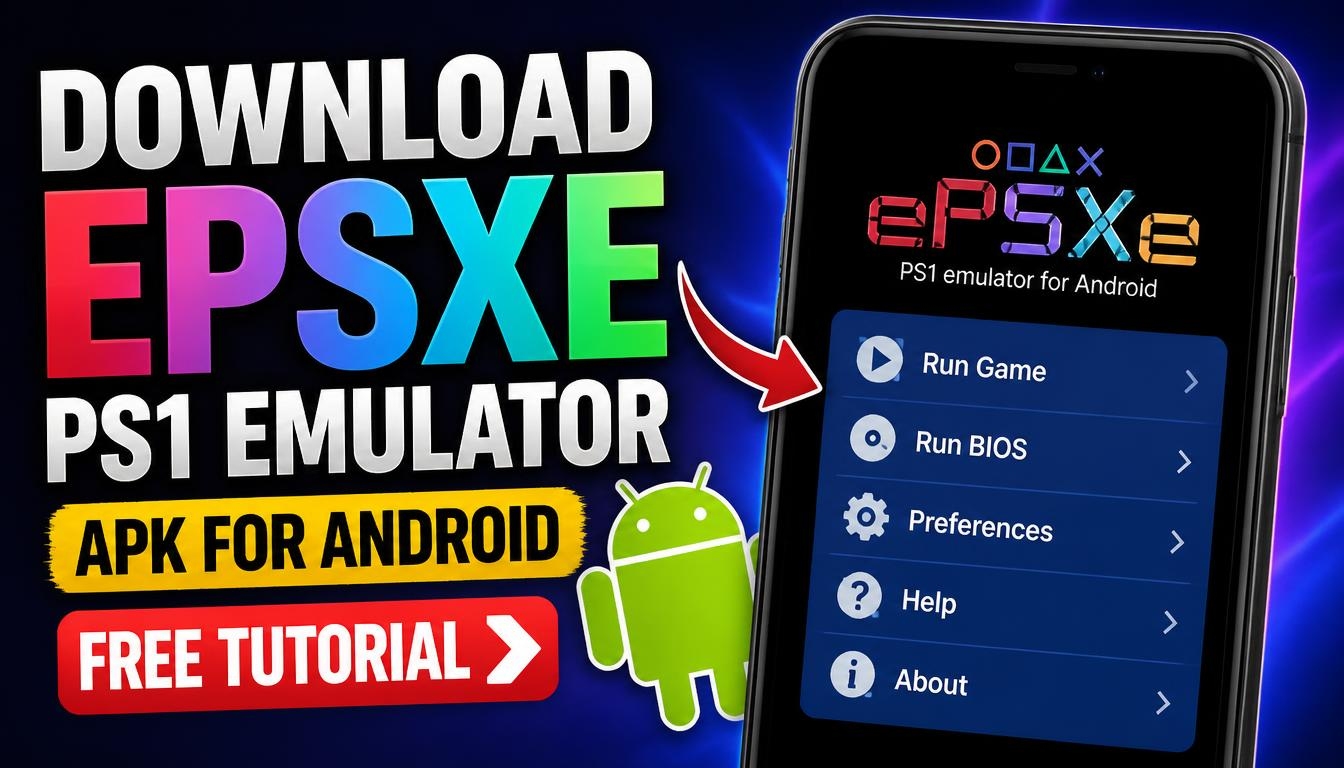
If you enjoy classic PlayStation 1 games and want to play them on your Android smartphone, ePSXe is an emulator worth checking out.
It allows you to experience many of the games originally released for the first PlayStation directly on your mobile device.
In this guide, you will learn how to download the ePSXe PS1 Emulator APK for Android, install the application, and get started with your favorite retro games.
What Is ePSXe PS1 Emulator?
ePSXe is a PlayStation 1 emulator designed to run classic PS1 games on compatible devices. The Android version brings the original PlayStation gaming experience to smartphones and tablets.
The emulator offers customizable on-screen controls, support for external gamepads, save states, and different graphics settings. These features make it possible to adjust the gaming experience according to your preferences and device capabilities.
ePSXe Emulator Features for Android
One of the main advantages of ePSXe is its ability to run classic PlayStation games on Android. You can customize the virtual controller layout, adjust screen settings, and use different control options.
The emulator also supports save states, allowing you to save your progress and continue playing later. If you prefer physical controls, you can use a compatible external game controller.
Performance depends on your smartphone’s hardware and the compatibility of the individual game.
How to Download ePSXe PS1 Emulator APK
To get started, visit the official ePSXe website and check the available Android version and download information Official website: https://www.epsxe.com/
Make sure you download the Android version from a trustworthy source. Before installing an APK file, check its compatibility with your Android version and review the requested permissions.
How to Install ePSXe on Android
After downloading the APK file, open your Android device’s Downloads folder and locate the downloaded file.
Tap the APK file to start the installation. If Android asks you to allow installation from that source, review the security prompt and grant permission only if you trust the file and its origin. Once installation is complete, open ePSXe from your application menu. To play games, you need your own legally obtained PlayStation game files. Make sure you have the necessary rights to use them.
Open the emulator and follow its instructions to locate your game files. After the emulator detects compatible games, select the title you want to play.
You can also customize the controls and graphics settings to make the experience more comfortable on your smartphone.
Is ePSXe Free for Android?
The availability and pricing of ePSXe may vary depending on the version and distribution channel. Check the official website for the latest information before downloading.
Also, remember that the emulator itself does not include PlayStation games. You need to provide compatible game files separately.
ePSXe is an option for Android users who want to revisit classic PlayStation 1 games without using an original console. With customizable controls, save states, and gamepad support, it offers several useful features for retro gaming.
If you want to experience your favorite PS1 games on your smartphone, check the official ePSXe website for the latest Android version and installation information.
