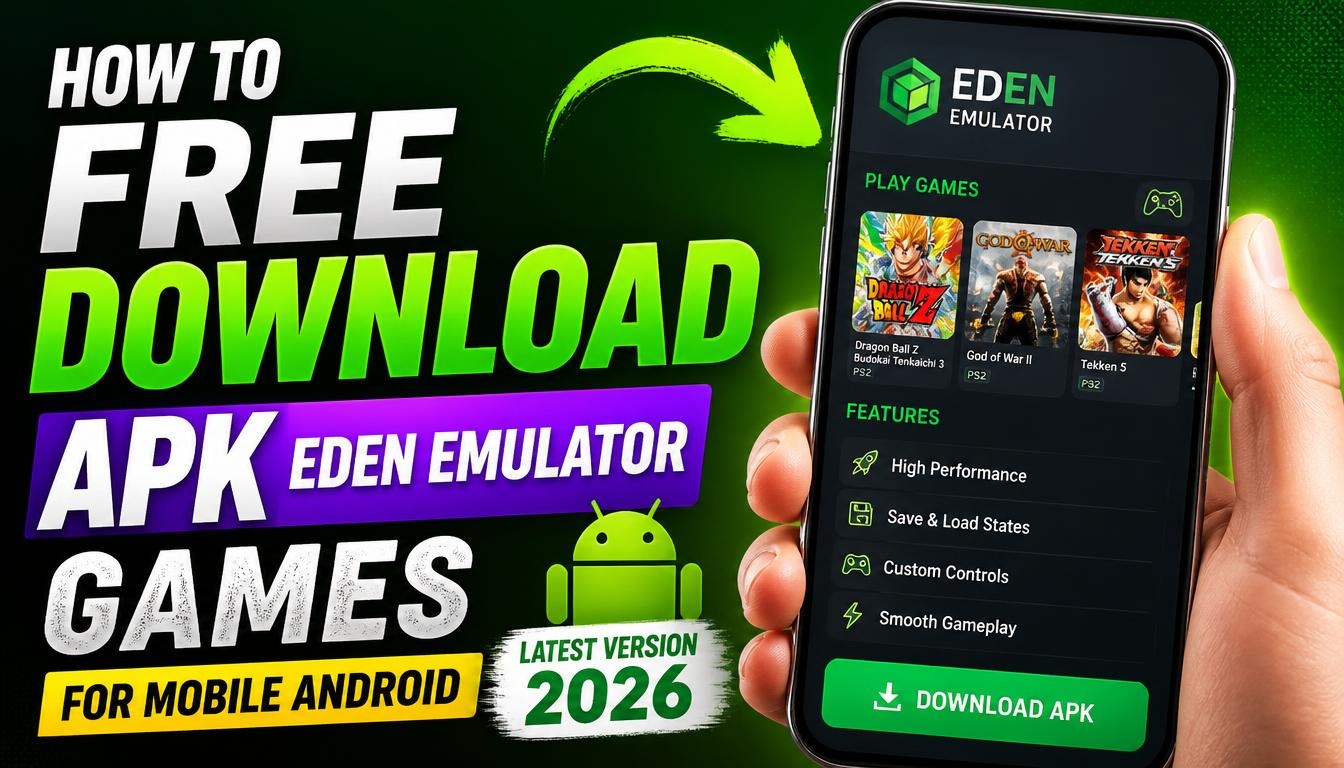
Would you like to play Nintendo Switch games on your Android smartphone? Eden Emulator is an application that brings console emulation to compatible Android devices, giving mobile gaming enthusiasts an opportunity to experience supported Nintendo Switch games directly on their phones.
With Eden Emulator APK, you can explore a different way to enjoy mobile gaming, experiment with graphics settings, and discover how your smartphone handles console games.
If you are interested in gaming emulators and want to take your gaming experience beyond ordinary Android applications, Eden is worth checking out.
What Is Eden Emulator?
Eden Emulator is an open-source Nintendo Switch emulator designed for compatible devices, including Android smartphones and tablets. It allows users to run supported Nintendo Switch games using software emulation rather than the original console.
The project continues to receive updates focused on compatibility, performance, stability, and graphics improvements. The latest stable release listed in 2026 is Eden v0.2.1.
Main Features of Eden Emulator APK
Nintendo Switch Game Emulation
Run compatible Nintendo Switch games on supported Android smartphones and explore console gaming on a mobile screen.
Graphics and Performance Improvements
Eden includes improvements to its graphics renderer and emulation performance. Actual results depend on your smartphone’s processor, GPU, and the individual game.
Controller Support
Connect a compatible external game controller for a more comfortable gaming experience, especially when playing titles originally designed for console controls.
Game Compatibility
Explore different supported games and test how they perform on your device. Compatibility can vary significantly between titles.
Regular Development Updates
The Eden project receives updates that introduce bug fixes, performance improvements, and new features.
Latest Eden Emulator Version 2026
The latest stable release listed on the official project page is Eden v0.2.1. This update focuses on fixing crashes and bugs that occurred in certain situations, including problems involving large game libraries and external content files.
The release also includes several stability improvements while keeping the SDL2 framework.
Is Eden Emulator Compatible with 32-bit Android?
Before downloading Eden Emulator, check your smartphone’s processor architecture. The official Android release provides a standard APK for compatible devices, while the project documentation identifies Android builds with the ARM64 architecture.
This means that older smartphones running a 32-bit Android environment may not be supported. A 32-bit-labelled download does not guarantee compatibility with the emulator. For the best chance of running Eden, a compatible 64-bit Android device is recommended.
How to Download Eden Emulator APK for Android
To download the latest Eden Emulator APK, use the link provided below to visit the official release page:
Official Download: https://git.eden-emu.dev/eden-emu/eden/releases
Find the latest stable release, open the Android section, and select the Standard APK package.
After downloading the file, open it on your smartphone and follow the Android installation instructions. Once installation is complete, launch Eden Emulator and configure the application according to your device.
You will also need legally obtained game files to play compatible titles.
Final Words
Eden Emulator is an interesting project for anyone who wants to explore Nintendo Switch emulation on Android. With ongoing development, compatibility improvements, and support for compatible external controllers, it offers an alternative way to experiment with console gaming on mobile devices.
Download the latest Eden Emulator APK for Android using the official link above and discover the possibilities of mobile gaming in 2026.
