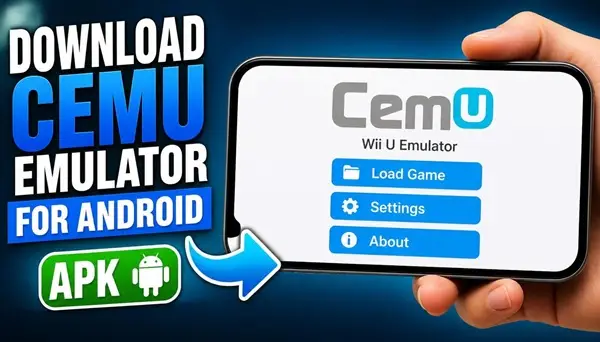
Would you like to play classic Nintendo Wii U games directly on your Android smartphone? Cemu is a popular Wii U emulator that brings console gaming to other devices, allowing players to explore some of their favorite games without needing the original console.
With the Android version of Cemu, you can experience the world of Wii U emulation on a mobile device. Enjoy familiar gaming adventures, explore different virtual worlds, and discover how well your smartphone can handle console games.
What Is Cemu Emulator for Android?
Cemu is an emulator originally developed to run Nintendo Wii U games on computers. It has become a popular choice among emulation enthusiasts thanks to its graphics capabilities, game compatibility, and customization options.
An unofficial community-developed Android port is also available. It brings Cemu’s Wii U emulation technology to compatible Android smartphones and tablets.
This Android project is still under development, so performance and compatibility can vary depending on your device and the game you want to play.
Play Nintendo Wii U Games on Your Phone
One of the most interesting features of Cemu is the possibility of experiencing Wii U games on a portable Android device. Instead of being limited to a desktop computer, you can explore supported games wherever you go.
The emulator is designed to provide a mobile gaming experience with touchscreen controls and support for external controllers, depending on the build and device.
Cemu Android Features
Cemu Android brings several interesting possibilities for users who enjoy console emulation.
Wii U Game Emulation
Run compatible Nintendo Wii U games on supported Android devices.
Touchscreen Controls
Use your smartphone’s touchscreen to interact with games and control gameplay.
External Controller Support
A compatible gamepad can make playing many console games more comfortable.
Graphics Options
Depending on the available build, you can adjust graphics settings to find a suitable balance between image quality and performance.
Portable Gaming
Take your favorite compatible Wii U gaming experiences with you and enjoy them on your Android device.
Android Requirements and Performance
Wii U emulation requires considerable processing power. For this reason, Cemu Android is best suited to modern smartphones with powerful processors, a capable GPU, and sufficient RAM.
Actual performance depends on the Android device, graphics drivers, emulator version, and individual game. Some titles may work better than others, while demanding games can experience slowdowns, graphical problems, or crashes.
An Android phone that can run ordinary mobile games smoothly does not necessarily have enough power for Wii U emulation.
How to Install Cemu Emulator APK on Android
Download the Android APK using the download link provided at the end of this article.
After downloading the installation file, open it from your Downloads folder. If Android asks for permission to install applications from this source, allow installation for your browser or file manager.
Complete the installation and launch Cemu. Follow the initial setup instructions and select the appropriate storage location for your emulator data.
You will also need legally obtained Wii U game files. Cemu does not include commercial games, and downloading the emulator does not automatically provide the games themselves.
Is Cemu Android Official?
It is important to understand that the original Cemu development team does not officially support Android. The Android version is a separate community-developed project based on the open-source Cemu code.
Therefore, check the developer and release information before installing an APK. Avoid websites that advertise modified or supposedly official Android versions without providing a verifiable source.
Download Cemu Emulator for Android APK
If you want to explore Nintendo Wii U emulation on your smartphone, you can download the Cemu Android APK using the link below. Make sure you use a compatible device and remember that this is an experimental, actively developing project.
