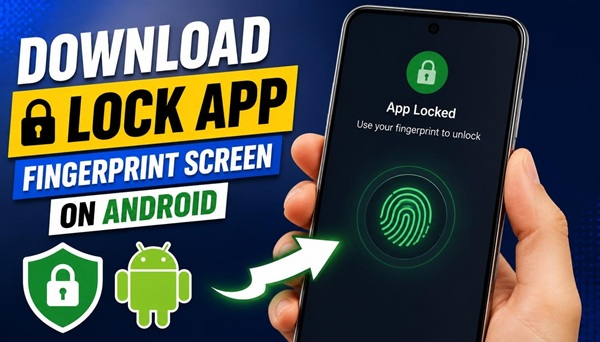
If you want to protect your Android smartphone and prevent other people from accessing your personal information, Lock App is a useful application to consider.
It allows you to add an extra layer of security to your device by locking selected applications and protecting them with a fingerprint, password, or other available security methods.
What Is Lock App?
Lock App is an Android application designed to help users protect their privacy. With its app-locking functionality, you can restrict access to selected applications without having to lock your entire smartphone.
This can be especially useful for protecting messaging apps, social networks, photo galleries, banking applications, and other programs containing personal information.
Fingerprint Screen Lock Features
One of the useful features of Lock App is fingerprint protection. If your Android device supports fingerprint recognition, you can use this security method to unlock protected applications.
Instead of entering a password every time, simply use your registered fingerprint to access an application. This makes unlocking more convenient while helping prevent unauthorized access.
Depending on the application version and device compatibility, additional protection options such as PIN codes or pattern locks may also be available.
Why Use Lock App on Android?
Lock App can help you keep your personal information private, especially when you share your smartphone with family members, friends, or colleagues.
You can choose which applications require additional protection and leave other programs accessible. This gives you more control over your privacy without constantly locking and unlocking your entire device.
The application is designed for Android users who want a simple way to add extra protection to their installed apps.
Download Lock App APK for Android
If you want to try Lock App on your smartphone, download the APK file using the link below. Before installing, make sure that the application version is compatible with your Android device.
After downloading the APK file, open it and follow the installation instructions displayed on your screen. If Android asks you to allow installation from this source, enable the required permission and continue.
Once installation is complete, open Lock App, configure your preferred security method, and select the applications you want to protect. Download Lock App APK for Android and add an extra layer of privacy to your smartphone.
